

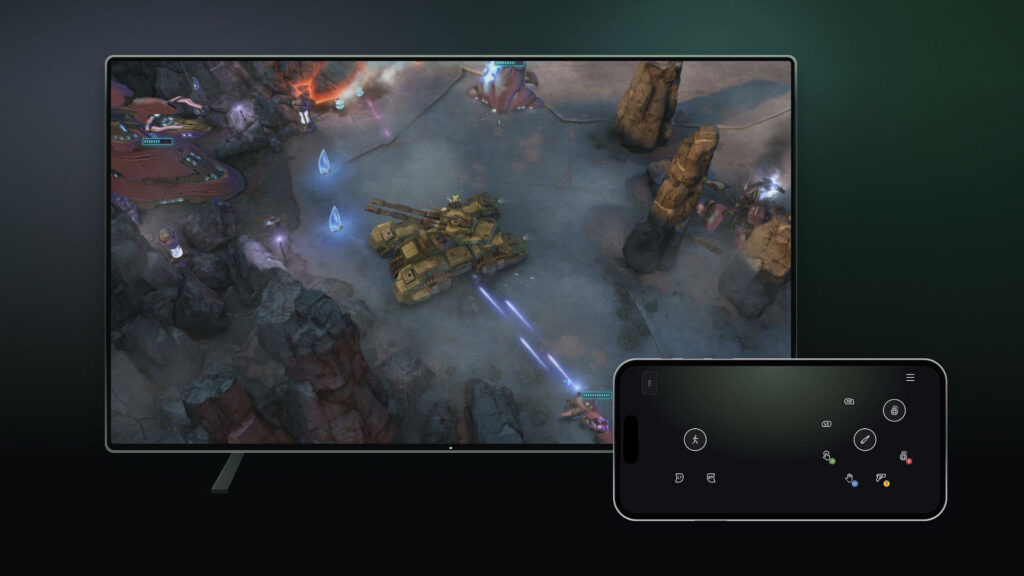
Xbox announced two cloud-gaming input previews on November 4. They could make a quick TV session easier, but both remain tests with limited compatibility.
Your phone can become the controller
On supported smart TVs, compatible Android and iOS phones can provide browser-based controls. Enable Preview Features in the TV experience’s Settings → Account menu. Launching a game without a connected physical controller should then offer the phone option.
A different route to the cloud
The US-only cloud-connect preview lets an Xbox Nano Controller use Wi-Fi to reach the cloud session directly. Xbox says this may reduce input delay; it is not a guaranteed improvement on every network. Supported smart TVs and web experiences are the initial targets.
Android setup uses the Xbox beta app. PC setup uses Xbox Accessories and requires Xbox Insider enrollment.
Check supported devices and markets before trying either preview.
Explore cloud-capable games in our catalog →
Verified November 9, 2026. Official announcement and further details. Artwork: Microsoft / Xbox Wire.